








Audio Merge Multiple Media Files in Sequence
Audio Merge lets you merge multiple audio or video files online by stitching them end-to-end. Reorder tracks, preview results, and export in MP3, WAV, AAC, FLAC, and more.
Audio Merge Workspace
Audio ProcessingDrop an audio file here or browse
Supports all major audio and video formats without server upload
Why teams choose it
Audio Merge Features
Everything you need in Audio Merge to join media files into one output.
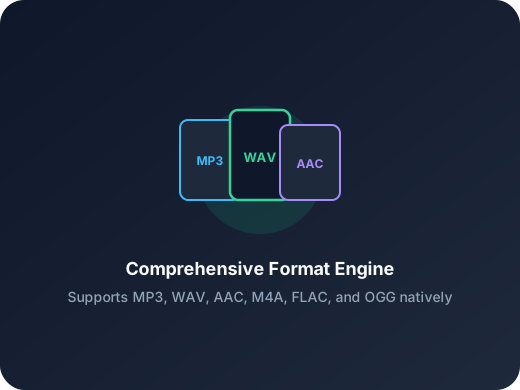
Sequential End-to-End Merge
Place multiple files into a queue and merge them in order. Perfect for combining voice segments, chapters, or clips into one timeline.
Reorder Before Merge
Adjust file order before processing to control how the final output is stitched. Quick reordering avoids repeated export attempts.
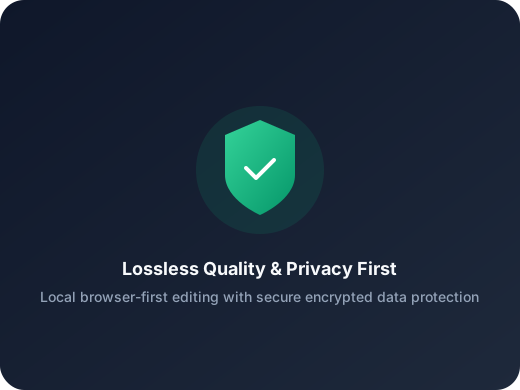
Multiple Export Formats
Save merged output as WAV, MP3, M4A, AAC, OGG, FLAC, or WMA based on your delivery requirements.
Fast content cleanup
Remove pauses, bad takes, and empty intros before publishing a podcast, lesson, or voice memo.
Ready for ringtone workflows
Cut the exact chorus or hook you want, then export in the format that fits your phone.
Simple enough for one-off tasks
No editor learning curve. Open a file, set in and out points, export, and move on.
Three-step workflow
How to Use Audio Merge Online
Merge files in three simple steps.
Step 1
Upload Multiple Files
Select or drag multiple audio/video files into the merge area.
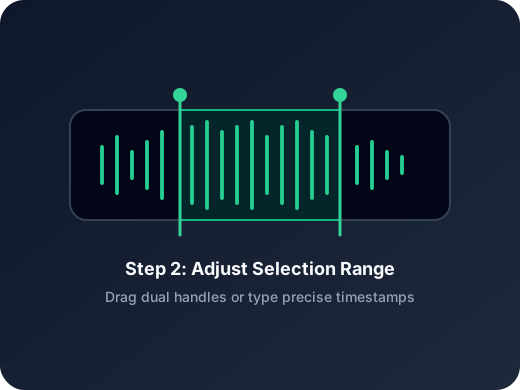
Step 2
Sort and Merge
Reorder files and click merge to generate one continuous audio result.
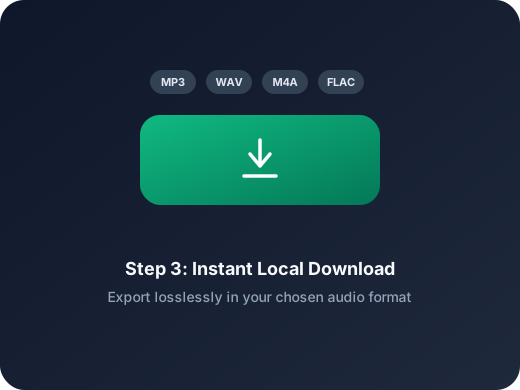
Step 3
Choose Format and Save
Preview the merged audio, choose output format, and download instantly.
More Tools
Continue with the next audio task
Extract, merge, or keep trimming with the right tool.
MP3 Cutter
Trim MP3 files with fast in and out point selection for music clips, ringtones, and lightweight edits.
AAC Cutter
Edit AAC audio more directly for mobile recordings, compressed assets, and quick delivery cleanup.
Extract Audio
Pull clean audio from video files for lessons, interviews, recordings, and content repurposing.
Audio Converter
Convert video to audio or switch audio formats quickly with one shared export workflow.
Audio Compressor
Compress MP3, WAV, M4A, AAC, FLAC, OGG, and other audio files into lighter formats with quality presets.
Audio Speed Changer
Speed up or slow down audio online, preview the timing, and export the new version from one editor.
Audio Splitter
Split songs into stems such as vocals, drums, bass, and other parts, then continue editing the separated tracks in one workspace.
User feedback
What Users Say About Audio Merge
Used by creators who need fast file concatenation.
4.9/5
Editors, creators, students, and podcasters consistently rate the workflow as fast and clear.
Zero setup
No account wall, no software install, no learning curve.
Quick export
Upload, trim, preview, and save in one short workflow.
Jason Reed
Course CreatorI merge lesson clips into a single track before publishing. The ordering workflow is simple and reliable.
Mia Carter
Podcast EditorGreat for stitching intros, ad reads, and outros quickly when I need a fast turnaround.
Liam Brooks
Video ProducerUseful when extracting and combining audio from several short video takes into one file.
Sofia Kim
StudentI combine multiple recordings into one study audio file, then export as MP3 for mobile playback.
Start Audio Merge Now
Upload files to Audio Merge, sort them, and export in your preferred format.
Upload a file, jump into the editor, and export the exact section you need.
Support
Audio Merge FAQ
Common questions about using Audio Merge.
Common concerns covered
Pricing, supported formats, safety, mobile compatibility, and export behavior are all addressed here.
Can I merge both audio and video files?
Yes. Video files are decoded to audio and then merged sequentially with audio files.
Can I change the merge order?
Yes. You can reorder files before merging to control final playback sequence.
Which export formats are supported?
WAV, MP3, M4A, AAC, OGG, FLAC, and WMA are supported.
Will merged output lose quality?
WAV keeps uncompressed output. Other formats use codec compression according to your selected format.
Do I need to install software?
No. Everything runs in browser without additional installation.
Is my file upload secure?
Files are processed for merge/export with privacy protections in place.