








MP3 vs WAV vs AAC: Which Audio Format Should You Use?
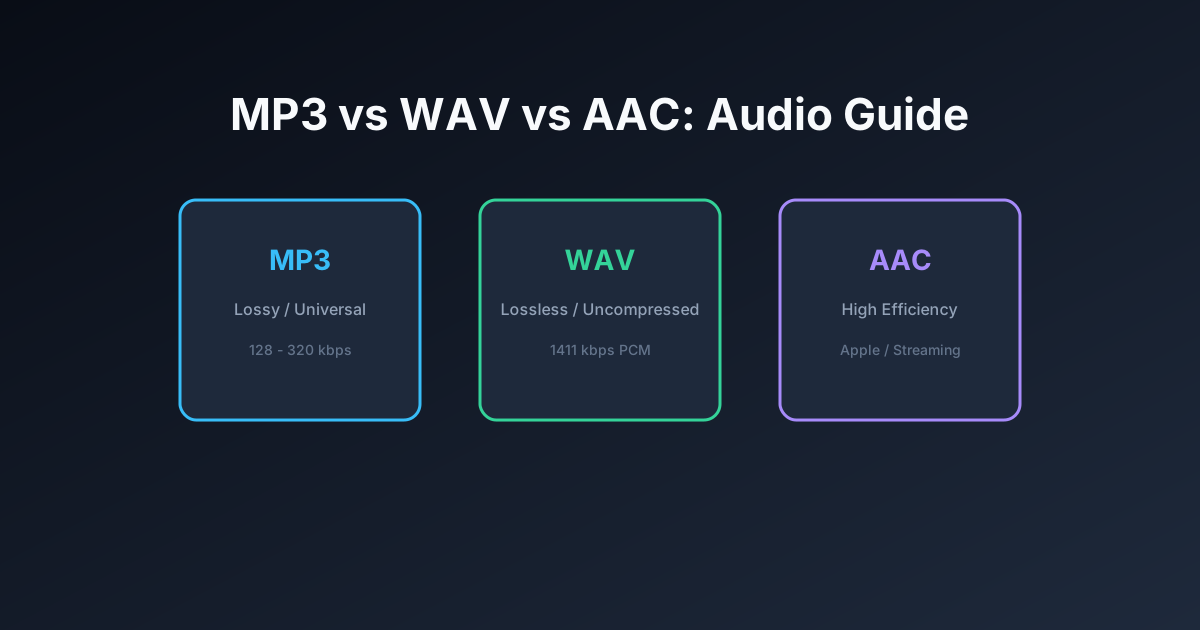
Every time you export an audio clip, trim a voice recording, or download a song, you are faced with a format choice: should you export as MP3, WAV, or AAC? Choosing the wrong format can result in bloated file sizes that swallow cloud storage, or loss of high-frequency detail that degrades audio fidelity over multiple editing passes.
Understanding the fundamental trade-offs between uncompressed studio master audio and perceptual lossy compression is essential for anyone creating podcasts, ringtones, music productions, or video sound effects. If you need to quickly transcode an audio file into another format, you can use our free browser-based Audio Converter to switch formats without installing software.
In this guide, we break down the engineering principles behind MP3, WAV, and AAC, examine file-size mathematics, and provide an objective decision framework to help you choose the right format for every scenario.
Quick Comparison Table: MP3 vs WAV vs AAC
| Feature | WAV | MP3 | AAC |
|---|---|---|---|
| Compression Type | Uncompressed (Lossless PCM) | Lossy (Perceptual) | Lossy (Perceptual MDCT) |
| Typical Bitrate | 1,411.2 kbps (16-bit / 44.1 kHz) | 128 kbps to 320 kbps | 128 kbps to 256 kbps |
| File Size (3-min Song) | ~31 MB | ~4.5 MB (at 192 kbps) | ~3.8 MB (at 160 kbps) |
| High-Frequency Cutoff | None (Preserves up to Nyquist: 22.05 kHz) | ~16 kHz (at 128k) to ~20 kHz (at 320k) | ~18 kHz (at 128k) to ~21 kHz (at 256k) |
| Hardware Compatibility | Universal on PCs & DAWs (Limited in cars) | 100% Universal on every digital device | Universal on Apple, Android, and Modern Web |
| Primary Purpose | Mastering, editing, studio recording, archiving | Everyday music listening, podcast distribution | Modern streaming (Apple, YouTube), mobile ringtones |
Deep-Dive Format Breakdown
1. WAV: The Uncompressed Studio Standard
Developed jointly by Microsoft and IBM in 1991, the Waveform Audio File Format (WAV) is a Resource Interchange File Format (RIFF) container that typically wraps uncompressed Linear Pulse Code Modulation (LPCM) audio. When audio is digitized into a standard CD-quality WAV file, sound waves are sampled 44,100 times per second ($44.1\text{ kHz}$) across two channels at a depth of 16 bits per sample.
The math yields a bitstream bandwidth of: $$44,100\text{ samples/sec} \times 16\text{ bits/sample} \times 2\text{ channels} = 1,411,200\text{ bits/sec} = 1,411.2\text{ kbps}$$ Because WAV retains every single digitized voltage measurement without discarding data, it delivers pristine acoustic fidelity with zero compression artifacts. However, this fidelity comes at the cost of immense file size: one minute of uncompressed stereo WAV audio consumes over 10 megabytes of storage. If you need to edit master recordings without losing fidelity, use our dedicated WAV Cutter.
2. MP3: The Universal Audio Standard
Standardized in 1993 by the Moving Picture Experts Group, MP3 revolutionized consumer digital audio by introducing perceptual psychoacoustic encoding. Rather than storing every audio sample, the MP3 encoder analyzes audio frames through a 32-band polyphase filter bank and removes sounds that the human auditory system cannot perceive due to auditory masking (for example, a quiet sound immediately following an explosive drum hit, or frequencies beyond normal human perception).
By discarding imperceptible data, MP3 achieves compression ratios of 10:1 or 12:1, shrinking a 30 MB WAV file down to 3 MB to 5 MB while sounding remarkably close to the original during everyday listening. MP3's unmatched legacy support ensures it plays on literally every digital device manufactured over the past three decades. If you have MP3 tracks to trim, our free MP3 Cutter allows frame-accurate edits in your browser.
3. AAC: The Modern High-Efficiency Standard
Designed as the official successor to MP3, Advanced Audio Coding (AAC) is defined under MPEG-2 Part 7 and MPEG-4 Part 3. AAC incorporates significant algorithmic advancements over MP3: it utilizes a pure Modified Discrete Cosine Transform (MDCT) with dynamic block sizes, supports up to 48 full-bandwidth audio channels, and implements Temporal Noise Shaping (TNS) alongside backward adaptive prediction.
As a result, AAC delivers superior audio fidelity compared to MP3 at identical bitrates. An AAC stream encoded at 128 kbps typically matches or exceeds the perceived quality of an MP3 encoded at 192 kbps, making it the preferred default codec for Apple Music, YouTube, Bluetooth LDAC/AAC transmission, and digital broadcast television. If you work with Apple audio files, check out our specialized AAC Cutter.
Can You Actually Hear the Difference? (Psychoacoustic Realities)
Decades of rigorous double-blind ABX listening tests conducted by audio research organizations reveal an important practical truth: to the vast majority of human listeners, high-bitrate lossy audio (such as 320 kbps MP3 or 256 kbps AAC) is acoustically indistinguishable from uncompressed 1,411 kbps WAV files when played back on standard consumer headphones, laptops, and car audio systems.
The human ear can typically perceive differences between WAV and lossy formats only under specific circumstances:
- High-End Studio Monitoring Environments: In acoustically treated control rooms using ultra-revealing open-back planar magnetic headphones or high-precision studio monitors, trained listeners can sometimes perceive subtle differences in stereo air, transient attack crispness, and room reverb tails.
- Generational Transcoding Loss: The real danger of lossy formats is not listening, but repeated re-encoding. If you import an MP3 into an editor, export it as an MP3, re-open it in a video editor, and export it again, the psychoacoustic errors compound with each pass, resulting in muffled high frequencies and watery swishing artifacts. For ongoing multi-step editing, always preserve intermediate files as WAV.
Decision Matrix: Which Format Should You Use?
Use this practical decision guide to choose your format with confidence:
- Choose WAV If:
- You are recording primary voice tracks, studio vocals, or live musical instruments.
- You plan to import the file into a video editor or DAW for further equalization, pitch correction, or compression.
- You are creating an archive of irreplaceable audio recordings that must be preserved indefinitely.
- Choose MP3 If:
- You are distributing a podcast, audio lecture, or audio book across multiple platforms.
- You need maximum compatibility across legacy MP3 players, older car stereos, and non-Apple devices.
- You want to share audio via email or messaging apps where attachment limits apply. Use our Audio Compressor to optimize file weight.
- Choose AAC If:
- You are encoding ringtones or text tones for Apple iPhone devices (saved with the
.m4rextension). Build custom alerts using our Ringtone Maker. - You are rendering video soundtracks intended for YouTube, Vimeo, or web video streaming.
- You want the best possible audio fidelity at constrained bitrates below 160 kbps.
- You are encoding ringtones or text tones for Apple iPhone devices (saved with the
Frequently Asked Questions
Does converting an MP3 to WAV improve its audio quality?
No. Converting a lossy MP3 into a WAV file simply wraps the already-compressed audio in an uncompressed container. It increases file size tenfold without restoring any of the high-frequency information or transients that were discarded during original MP3 encoding.
What is the best bitrate for MP3 files?
For spoken voice and podcasts, 128 kbps CBR provides excellent clarity and small file size. For music and dynamic sound effects, 192 kbps or 320 kbps CBR ensures full spectral fidelity up to 20 kHz.
Is AAC strictly an Apple format?
No. Although Apple popularized AAC as the default format for iTunes and Apple Music, AAC is an open international ISO standard supported natively by Android, Windows, Linux, and all modern web browsers.
Bottom Line
Do not guess when exporting your audio. Use WAV when recording and editing to avoid generational loss, use MP3 for broad distribution and guaranteed device compatibility, and use AAC for mobile ringtones and modern video soundtracks. When you need to convert between them quickly and privately, our Audio Converter provides seamless in-browser transcoding in seconds.